6 minSeptember 16, 2026

Our spy tools monitor millions of push notification ads from over 90+ countries and thousands of publishers.
Get StartedYou know the routine. A campaign starts slipping, so you open the dashboard, filter by country, scroll until you find the placement burning budget, drop the bid, then repeat for the next one. Multiply that by a dozen campaigns and the morning is gone before you make a single real decision.
At Mondiad we shipped an MCP connector to take that work off your hands. Connect your Mondiad account to the AI assistant you already use, and you run campaigns by describing what you want instead of clicking your way there.
MCP stands for Model Context Protocol, an open standard that lets an AI assistant connect to outside software and act on live data from it. A platform runs a server, your client connects to it once, and from then on the assistant can read and act inside that platform. No custom integration, no pasting exported reports into a chat window.
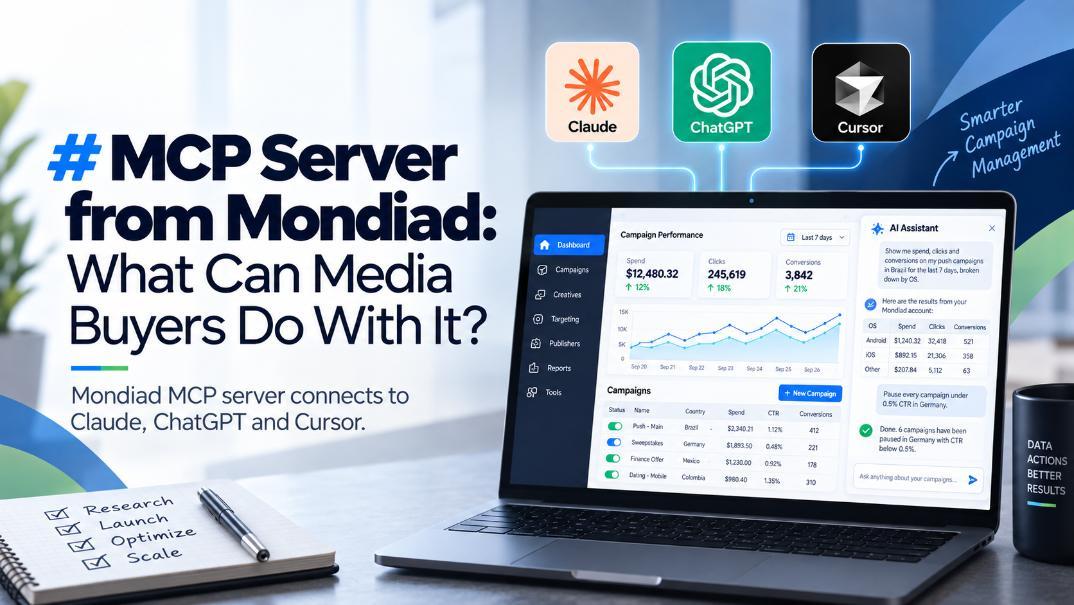
What matters for buyers is that it is not read only. An MCP server can expose actions, which is why this goes further than an assistant explaining your stats back to you. It works with Claude, ChatGPT, Cursor or any other client that supports the standard.
Our connector puts your account on the other end of that link, with read and write access through an API key you generate yourself. Once connected, an assistant can:
Report on the account. Balance, campaign performance reports, referral stats.
Manage campaigns. Search them, view a full configuration, clone, update or create.
Handle creatives. View what is live, add new ones, update existing ones.
Read the targeting layer. Countries, browsers, OS, devices, carriers, ISPs and more, plus available inventory.
Work the publisher side. Websites, ad zones and integration tags.
In daily use that turns into requests like these:
Show me spend, clicks and conversions on my push campaigns in Brazil for the last seven days, broken down by OS.
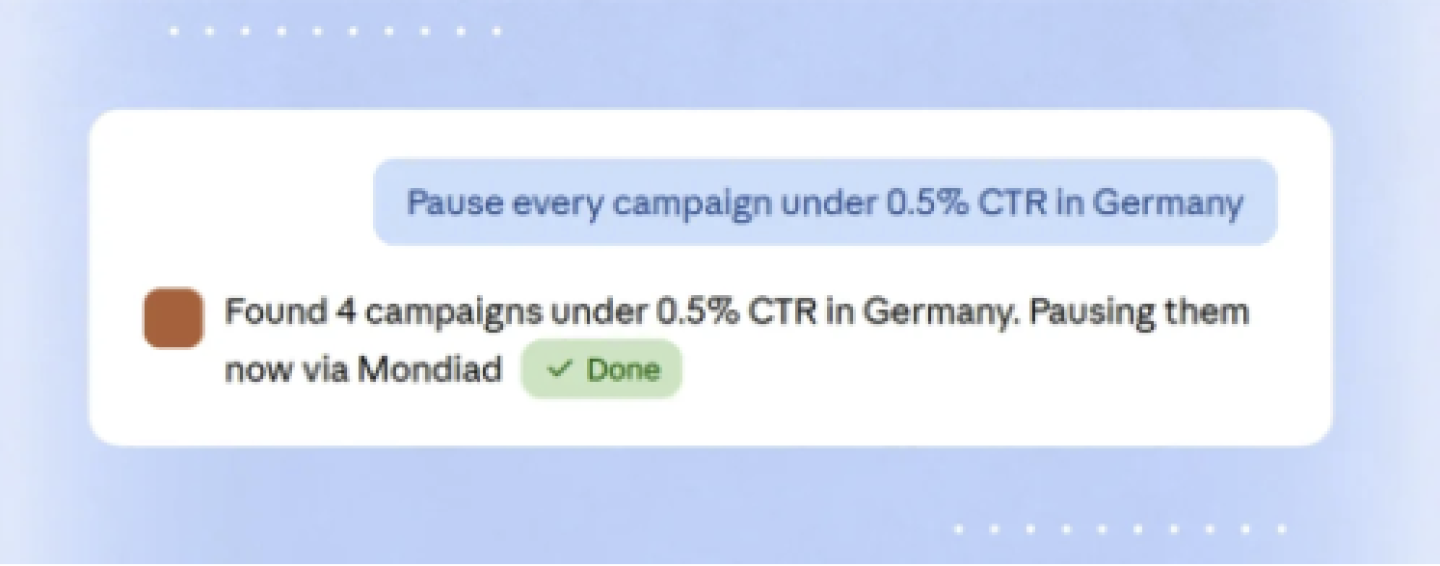
Pause every campaign under 0.5 percent CTR in Germany.
Clone my best performing campaign into Mexico and Colombia at a twenty percent lower bid.
It also works alongside TargetCPA bidding and the automation rules already running in the account.
Campaigns rarely fail all at once. Usually one country, one source or one placement drags the numbers down while the campaign looks acceptable on the surface, and finding it means slicing the dashboard a dozen ways. An assistant with live account access does that slicing on request, as often as you want, and answers with your own numbers instead of generic best practice.
MCP does not replace research. Finding the offer, reading the competitive set and working out why a creative has been running for weeks is still what decides whether a campaign has a chance. What changes is everything downstream: build, watch, cut, scale, repeat. That loop is what an assistant with account access handles well, while your tracker keeps its role and postbacks fire as usual.
The connector cannot add funds, since payment stays manual on your end. It cannot permanently delete campaigns or creatives, only change their status, and it has no access to billing data beyond your current balance. Support for custom MCP servers also varies by AI platform and is not always available on free plans, though Mondiad charges nothing extra for access.
One habit worth keeping: with bulk actions, ask the assistant to show you what it is about to change first.
Setup takes a few minutes: generate an API key in your account settings, add a custom connector in your AI client pointing to https://mcp.members.mondiad.co..., then send a first read only request. Our MCP connector guide walks through it with screenshots, including where the connector settings sit in Claude, ChatGPT and Cursor.
From there, create your Mondiad advertiser account if you do not have one, and run your next campaign from a chat window. We also wrote about MCP in affiliate marketing more broadly.
Receive top converting landing pages in your inbox every week from us.
Editor’s Pick
AI has made ad production faster and cheaper, but it has also made creative sameness harder to escape. Discover how competitor ad intelligence helps marketers find better ideas, build smarter tests, and turn public advertising activity into a strategic advantage.
Dan Smith
7 minOct 30, 2026
How-To
AI is changing media buying, but building more tools is not the only answer. Explore a three-role organizational model that combines AI infrastructure, system oversight, and competitive ad intelligence to help media-buying teams make better decisions.
Rachel Thompson
7 minOct 29, 2026
Most Read
Industry averages offer a useful starting point, but they rarely reflect the competition in your exact market. Learn how to build more meaningful conversion benchmarks using competitor research, funnel analysis, and live advertising signals.
Elena Morales
7 minOct 29, 2026